Enroll a provider
Once you have authenticated to Minder, you'll need to enroll your provider credentials to allow Minder to manage your repositories. This allows Minder to inspect and manage your repository configuration. You will be prompted to grant Minder access.
Prerequisites
Before you can enroll a provider, you must log in to Minder using the CLI.
Enrolling and granting access
- GitHub
- GitLab
If you used the minder quickstart command, the GitHub provider
was enrolled as part of the quickstart, and you do not need to enroll a second
time.
To enroll your GitHub credentials in your Minder account, run:
minder provider enroll
A browser session will open. If you are a member of multiple GitHub organizations, then you will be prompted which organization you want to enroll. You can select your personal account, or a GitHub organization that contains the repositories that you want to manage with Minder.
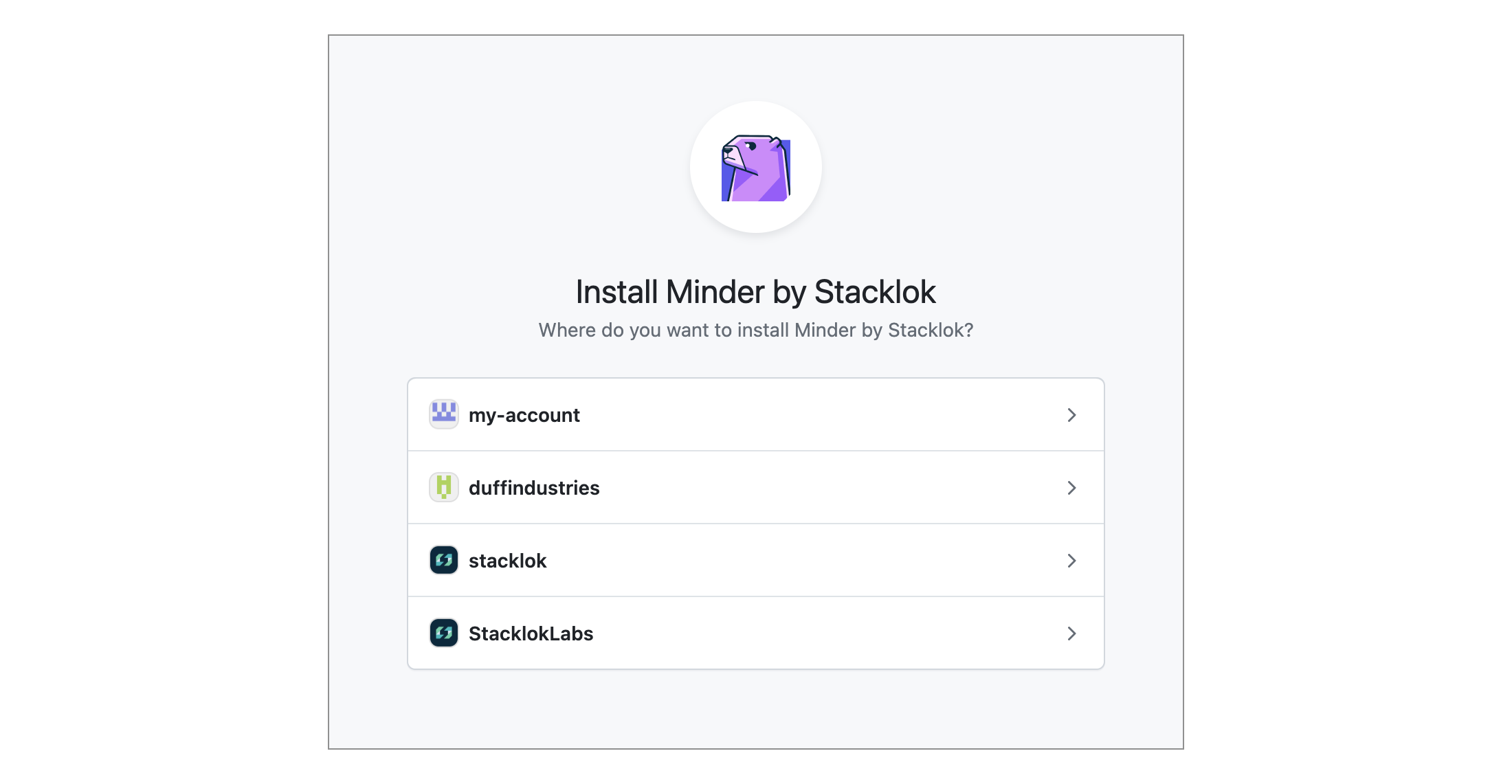
Then you will need to select which repositories you want to allow Minder to manage. You can select all repositories within your GitHub organization, or you can choose individual repositories. If you select individual repositories, they will not be visible within Minder, and you will not be able to register them.
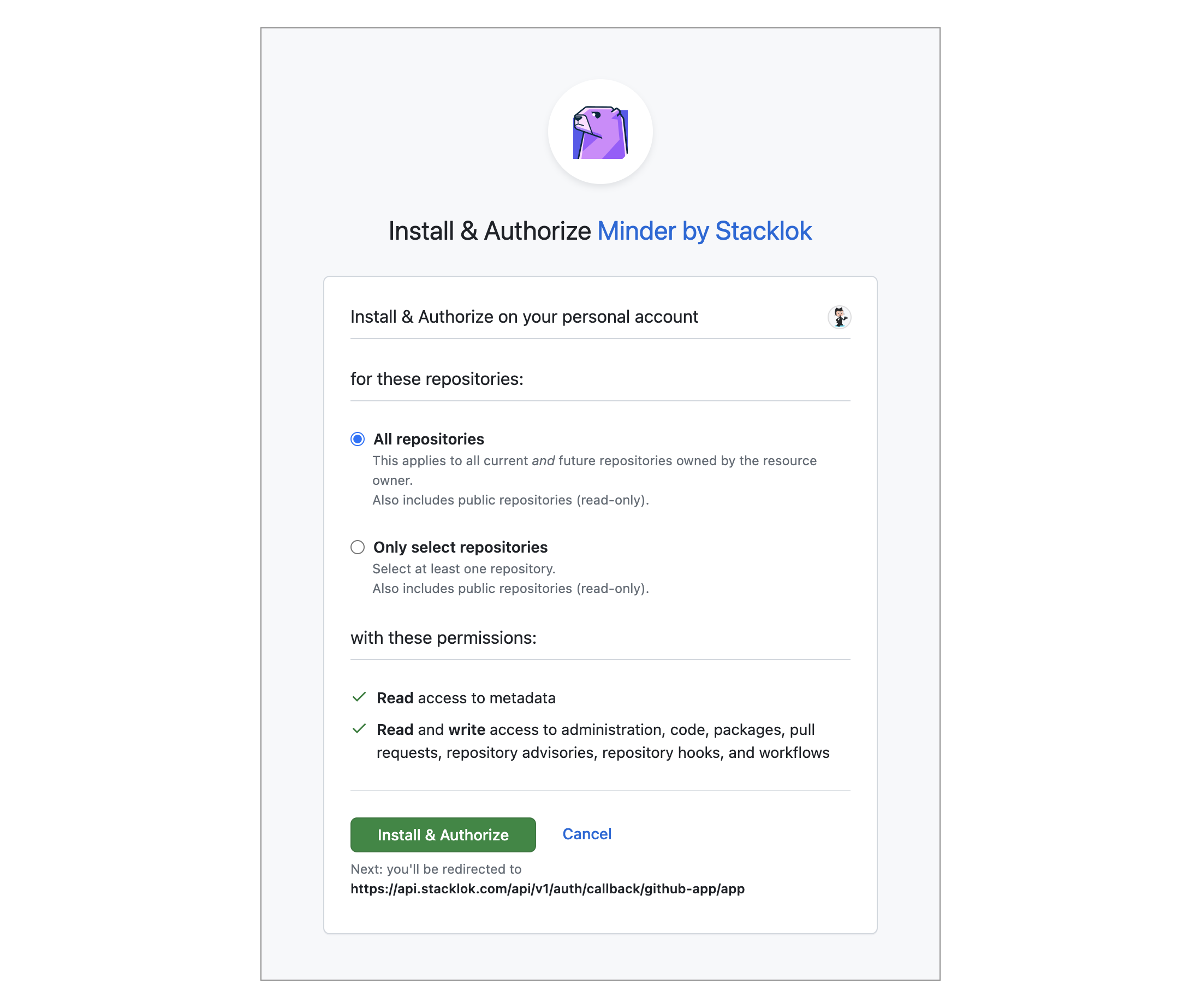
You can change your repository selection within GitHub at any time.
Once you authorize Minder within GitHub, the browser window will close, and you
will have enrolled the GitHub provider. The minder CLI application will report
the session is complete.
This guide uses the OAuth flow, which is the quickest way to get started. Note that OAuth has some tradeoffs: Minder acts as the authorizing user (which can make merge requests and attribution confusing), access is hard to scope when the user belongs to multiple projects, and enrollment breaks if that user ever leaves the project. For production use with multiple administrators, a dedicated service account with a Personal Access Token is recommended instead.
To enroll your GitLab credentials in your Minder account, run:
minder provider enroll --class gitlab
A browser session will open, directing you to GitLab's authorization page.
Unlike GitHub, there is no organization or group selection step — GitLab
grants access based on the scopes configured in the OAuth application
(api, read_user, and read_repository).
Once you authorize Minder within GitLab, the browser window will close, and
the minder CLI will report:
Provider enrolled successfully
More information
Once enrolled, you can register your repositories with Minder.